
{{ getFeatureName(action_mode) }} your image

Drop your image here.
Our popular AI tools
Enhance Photo
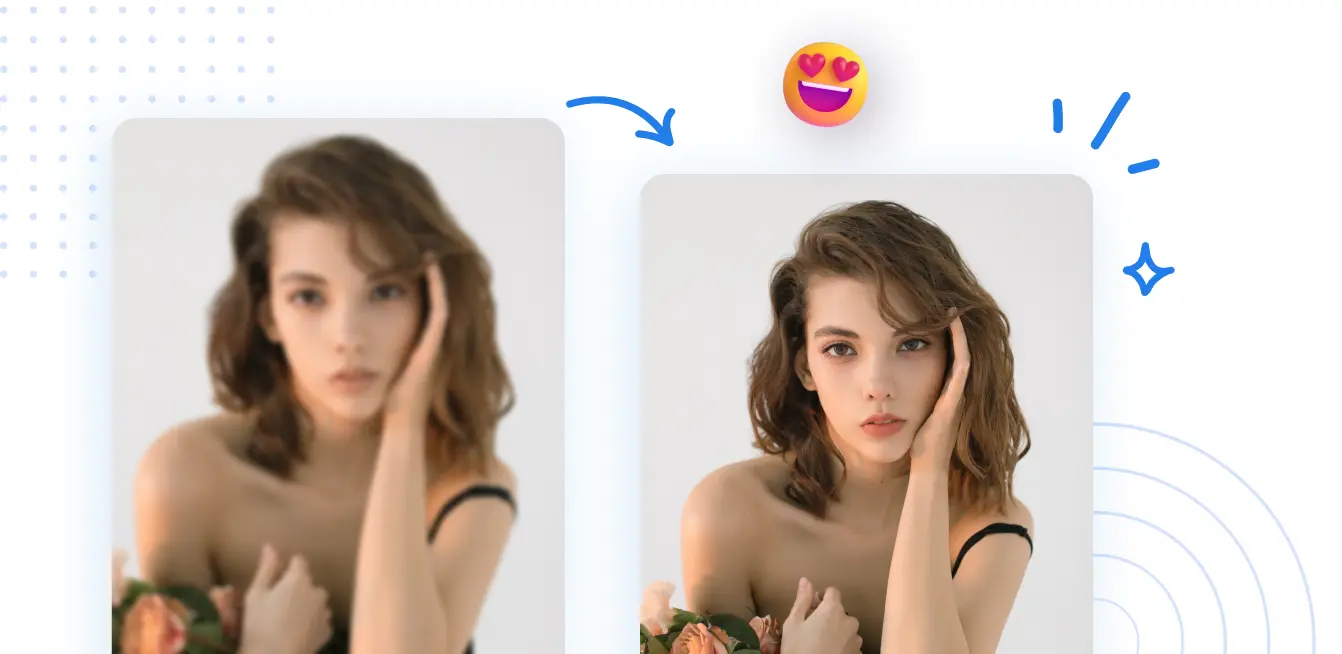
Automatically enhance the blurry photo's resolution and increase the overall quality.
Remove Objects
AIPhotor's One-Touch AI simply detects and removes unwanted details in your picture.
Remove Background
Seamlessly remove background from photos. Edit background with 100+ well-designed templates.
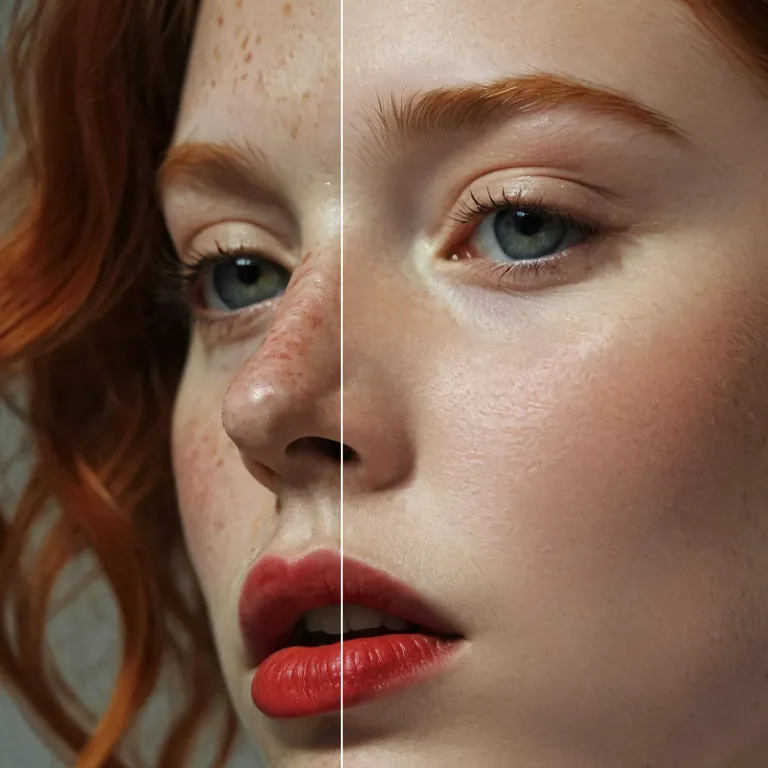
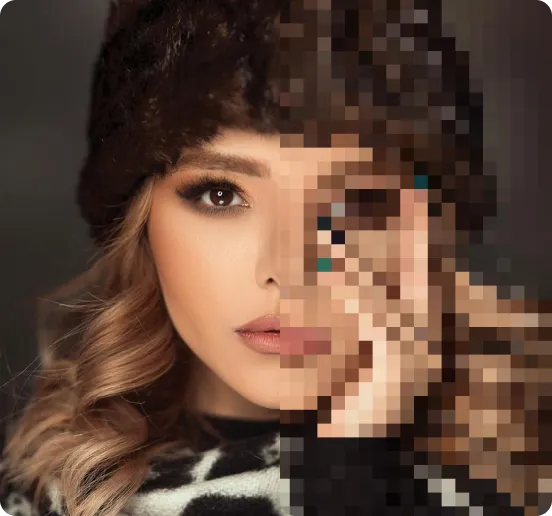
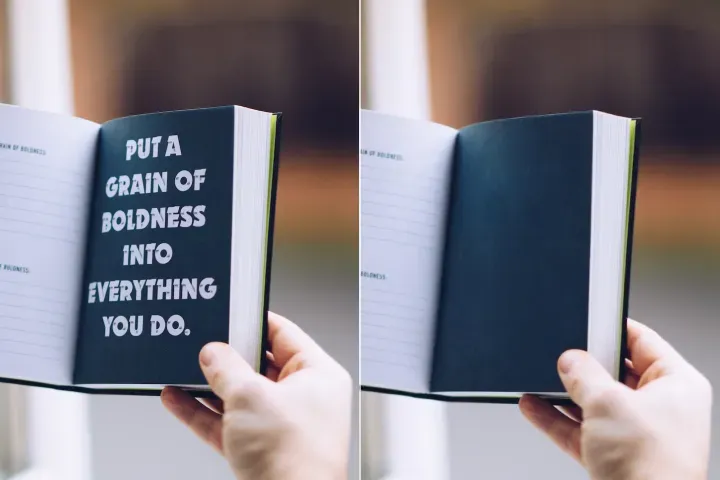
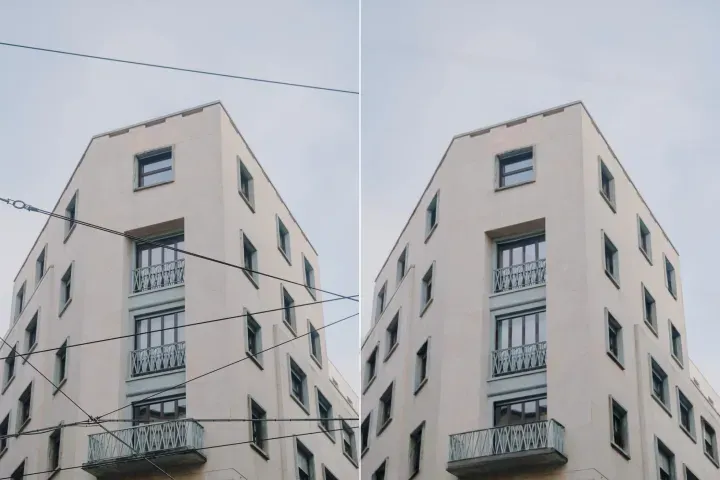
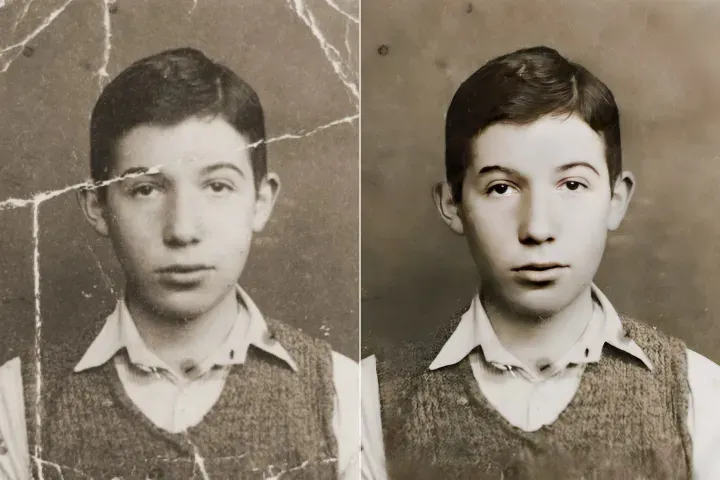
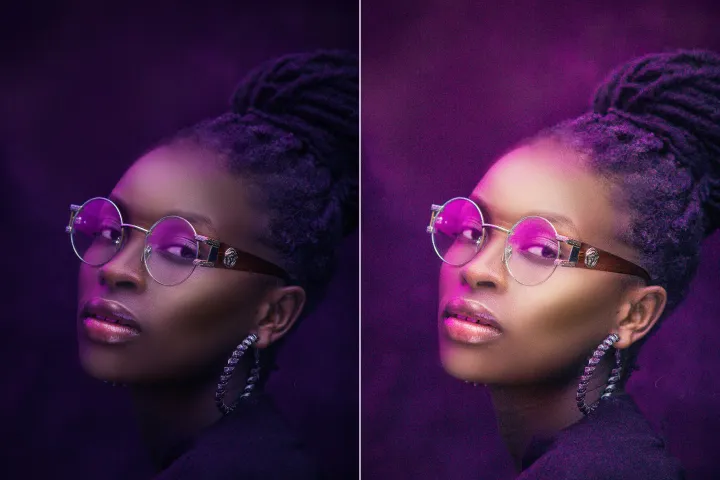
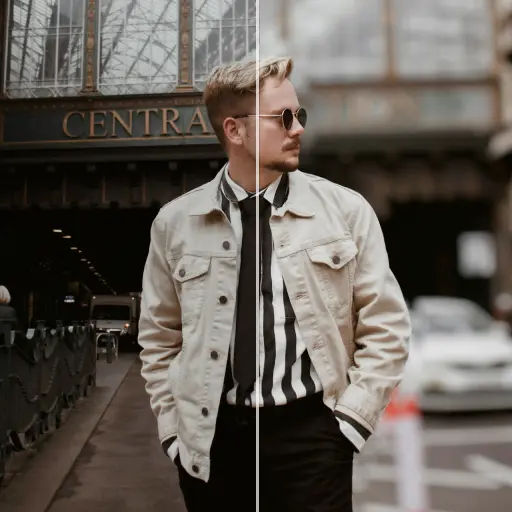
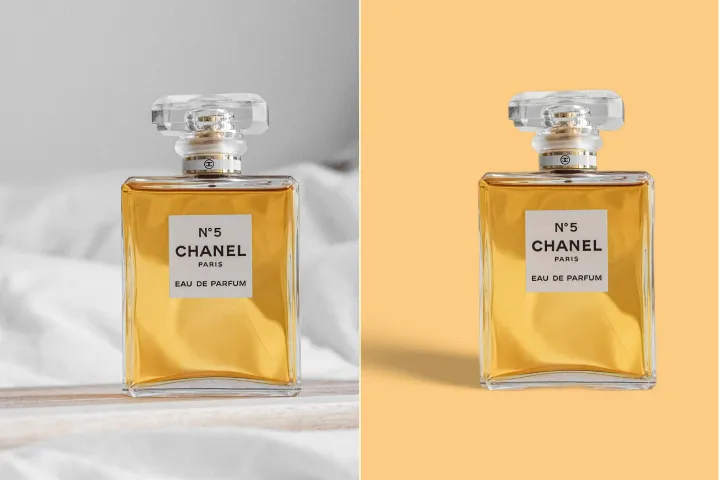
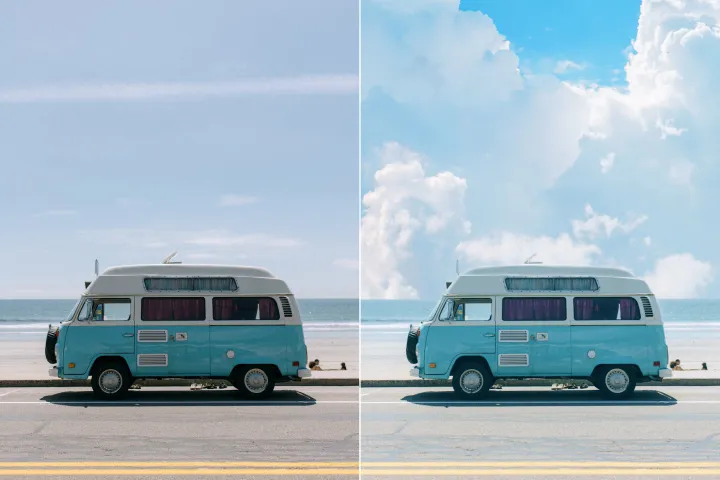
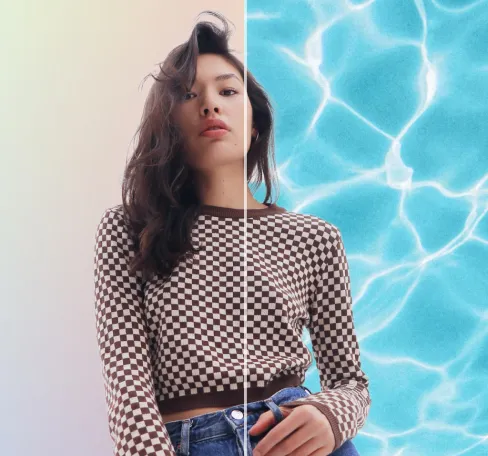

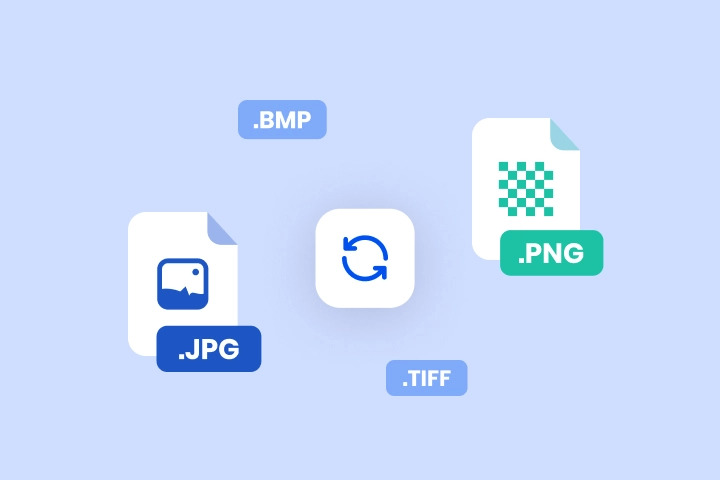
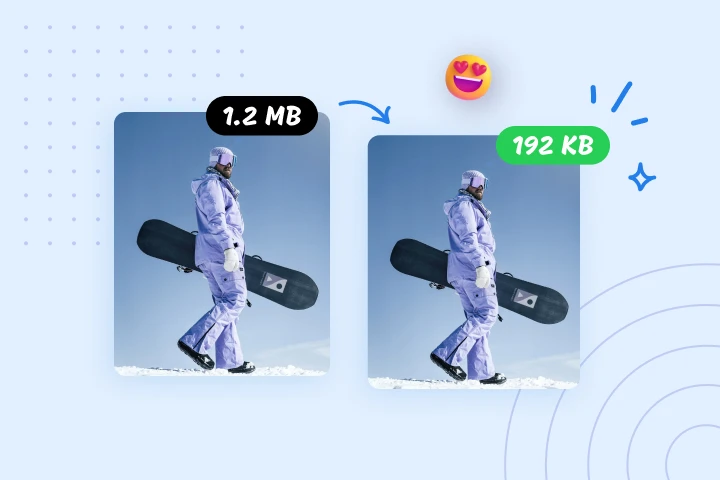

Enhance Photo Quality Online
Powered by AI
Boost your photos effortlessly using PdfMize’s advanced AI Photo Enhancer, tailored for Smart PDF Optimization to deliver high-quality visuals with efficient file sizing.



How to Use the Smart PDF Optimization Image Enhancer
Leverage Smart PDF Optimization to improve image quality across devices in 3 streamlined steps using PdfMize:
1 Upload Your Image
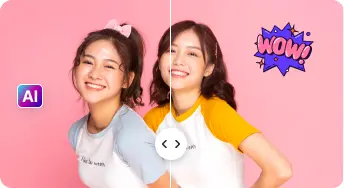
2 Preview & Adjust
3 Download & Share
All - in - One AI Photo Enhancement Suite
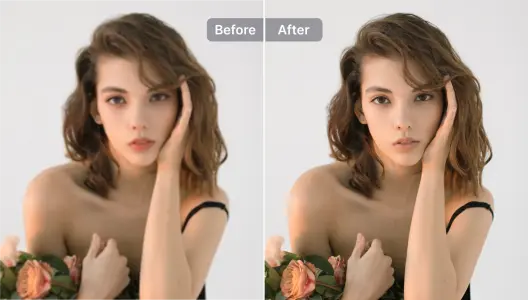
Enhance Portraits & Selfies
Naturally enhance facial features to preserve realism while making subjects stand out, aligning with Smart PDF Optimization goals.
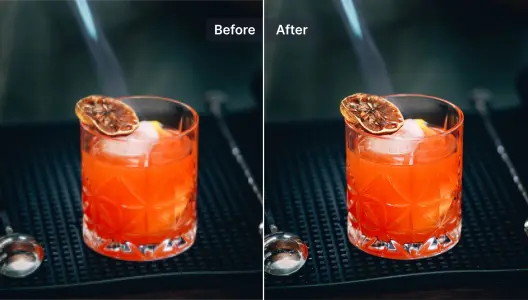
Perfect Product Photos
Sharpen product images instantly to boost appeal; combine with background removal for professional results in Smart PDF Optimization.
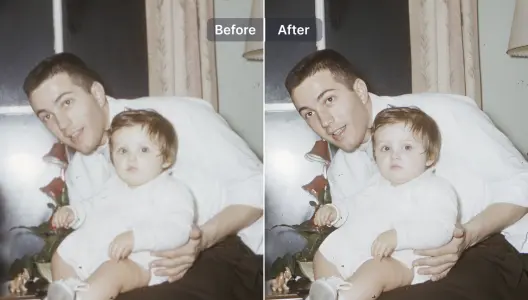
Restore & Sharpen Blurry Photos
Efficiently restore detail in blurred images using AI-powered restoration, suitable for Smart PDF Optimization contexts.
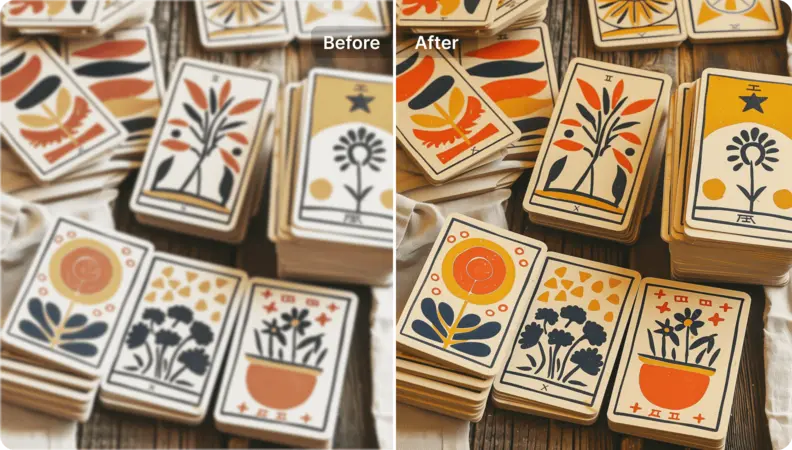
Refine Illustrations & Designs
Upscale and enrich illustrations, graphics, and designs with AI while preserving artistic integrity in Smart PDF Optimization workflows.
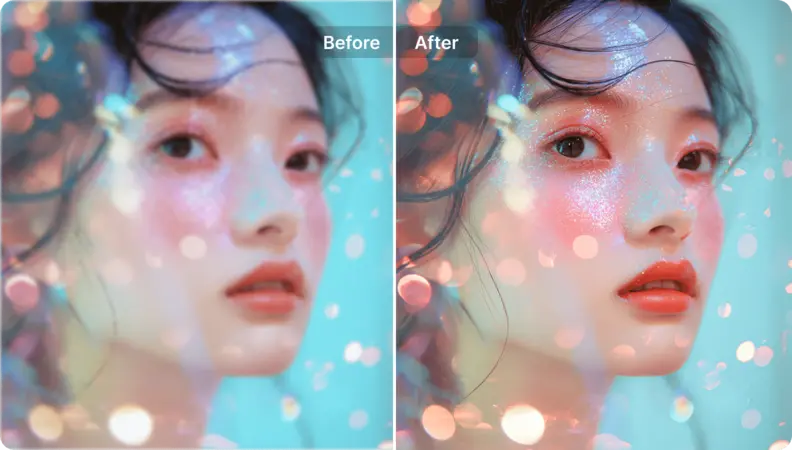
Upscale Artwork
Turn anime, manga, cartoons, drawings, or AI-generated art into high-resolution, display-ready images suitable for Smart PDF Optimization.
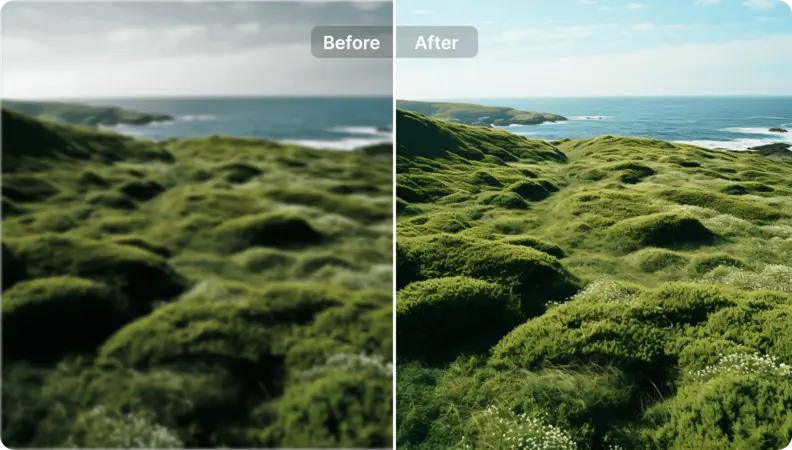
Revitalize Landscape Photos
Apply Smart PDF Optimization principles to landscape imagery by enhancing visual quality and balance. Leverage AI-driven prompts to steer optimization, delivering stunning results with efficiency and preservation of document fidelity.

Free to Try
AIPhotor is free to try for 3 days, after which you can subscribe to one of our incredible value plans.

Free to Try
We automatically sharpen and transform your images with AI to create multiple final looks. But you can also adjust and add a prompt to customize the results. Choose what works best for you!

Quick & Easy
Screen, edit, resize and download your photos lightning fast.

Compatible with all devices
AIPhotor is available on the iOS and Android stores. Our app works seamlessly across mobile, desktop, and tablet devices.
Frequently Asked Questions
-
What is AIPhotor Photo Editor?

 AIPhotor is a visual online photo editing website that leverages AI technology to help automatically remove objects/people from images; retouch, enhance, colorize, correct, cartoonize, and animate photos in a snap, replacing other photo editing tools Photoshop, Pixlr editor, or Photopea.
Or just drag & drop image here, upto 50 images at once
Or just drag & drop image here, upto 50 images at once
Frequently Asked Questions
-
What is AIPhotor Photo Editor?
AIPhotor is a visual online photo editing website that leverages AI technology to help automatically remove objects/people from images; retouch, enhance, colorize, correct, cartoonize, and animate photos in a snap, replacing other photo editing tools Photoshop, Pixlr editor, or Photopea.