
{{ getFeatureName(action_mode) }} your image

Drop your image here.
Our popular AI tools
Enhance Photo
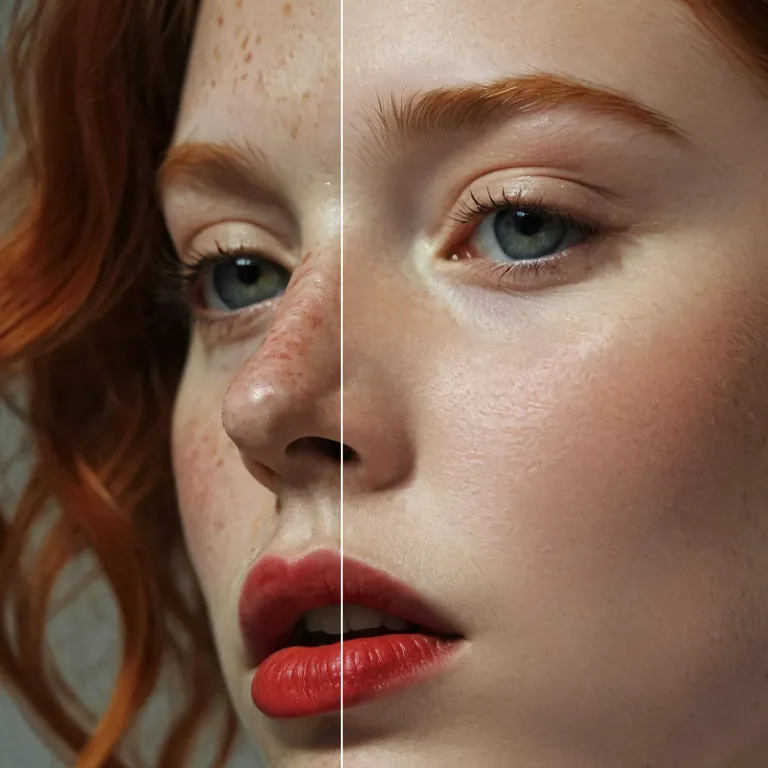
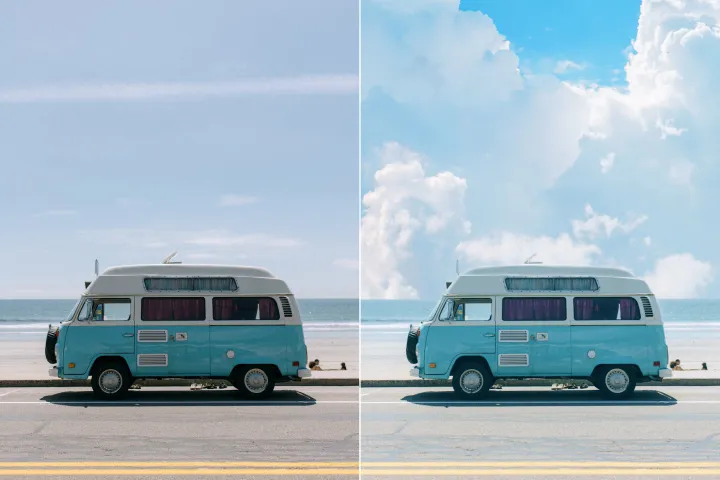
Automatically enhance the blurry photo's resolution and increase the overall quality.
Remove Objects
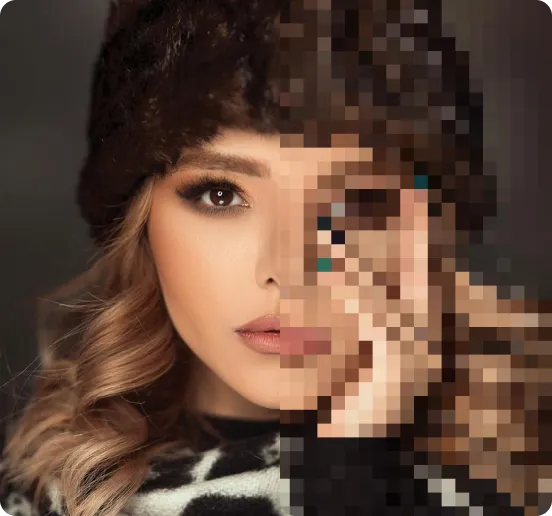
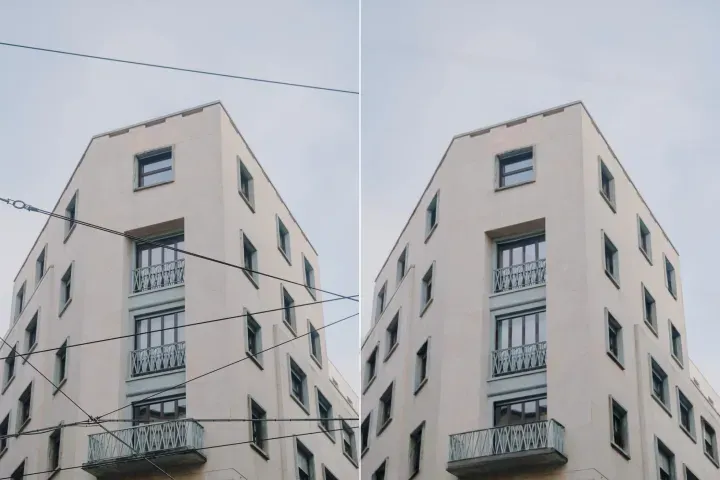
AIPhotor's One-Touch AI simply detects and removes unwanted details in your picture.
Remove Background
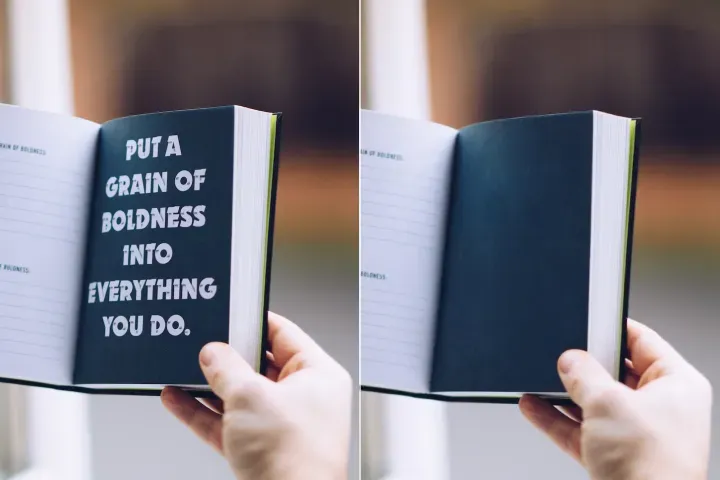
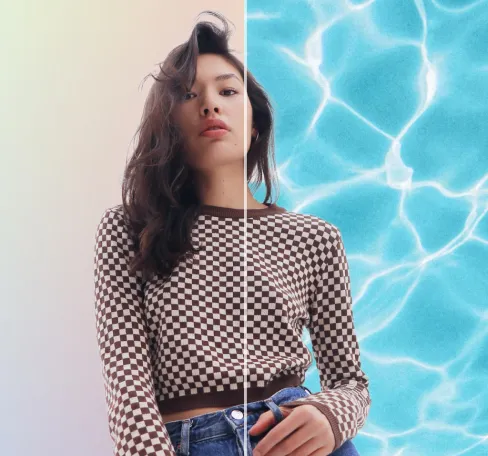
Seamlessly remove background from photos. Edit background with 100+ well-designed templates.
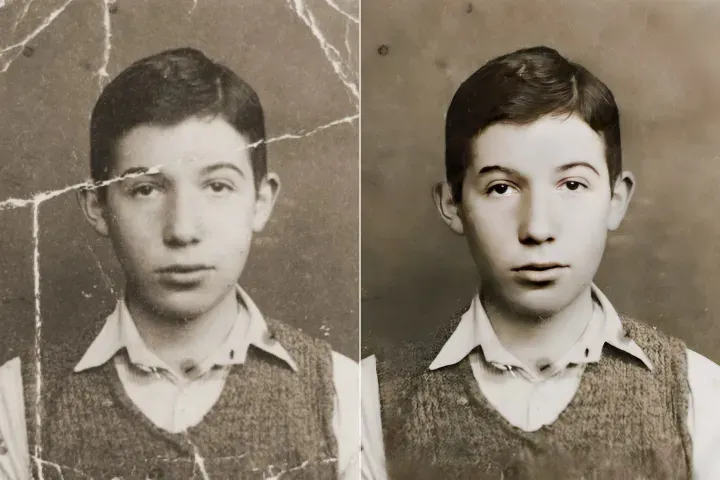
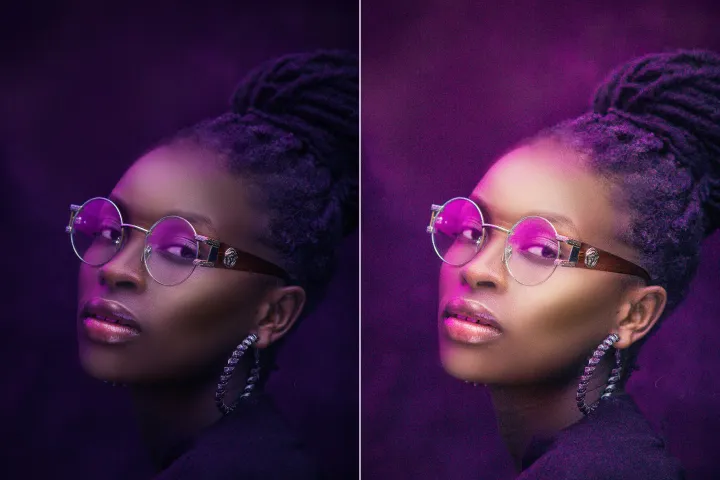
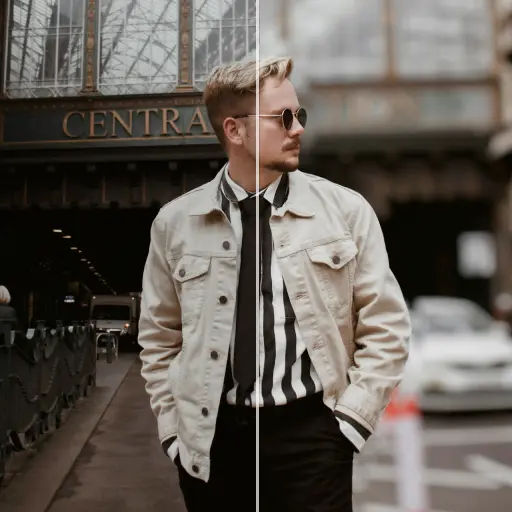
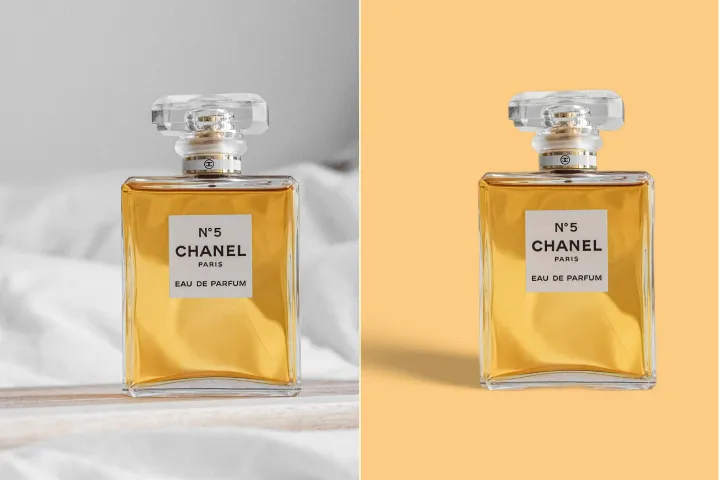


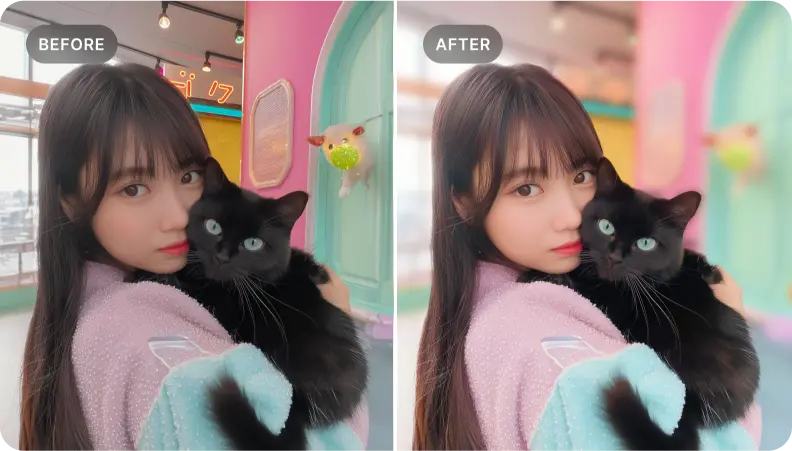
Oskärpa bakgrunden på foton gratis
Skapa enkelt ett slående djup med AIPhotor's bakgrundsoskärpningsverktyg, anpassat för prestanda och kvalitet inom Smart PDF Optimization-arbetsflöden. Gratis och snabbt.
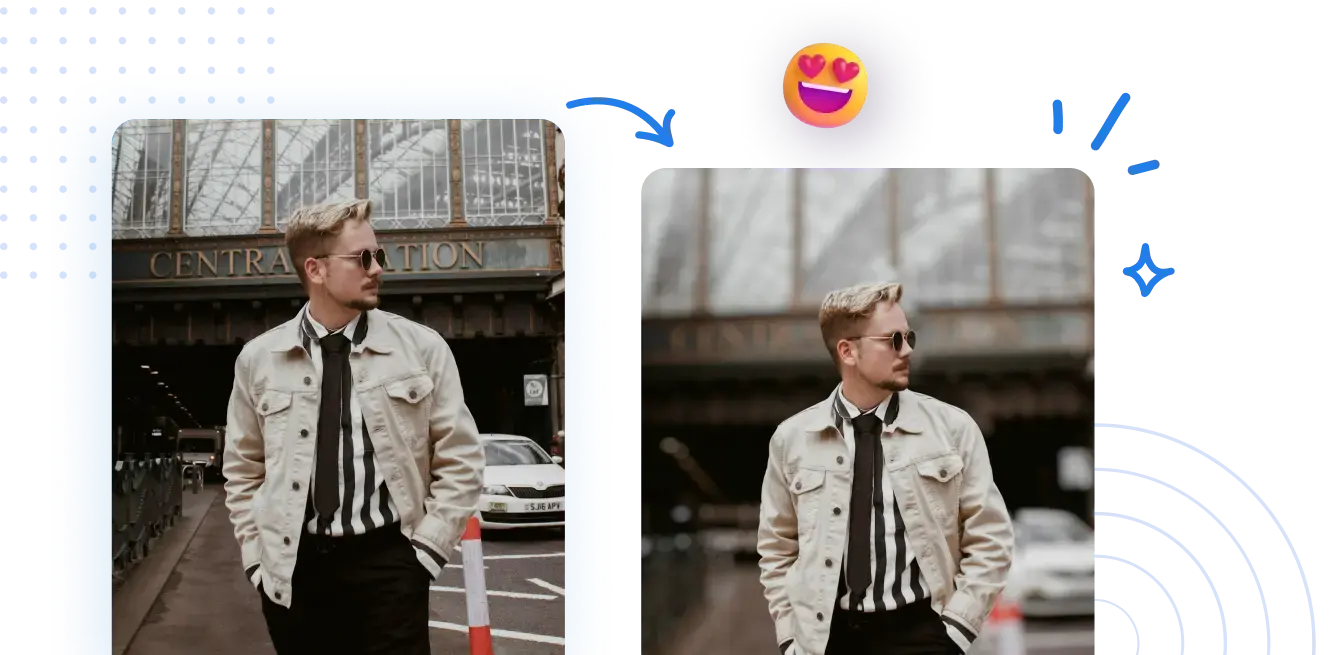



Lär dig hur du tillämpar bakgrundsoskärpa online med Smart PDF Optimization – effektiv och verkningsfull
Ingen komplex uppsättning krävs. Uppnå professionellt utseende oskärpade bakgrunder med några få klick, i enlighet med Smart PDF Optimization-principer som bevarar bildkvaliteten samtidigt som effektiv resursbearbetning möjliggörs.
1 Ladda upp ett foto
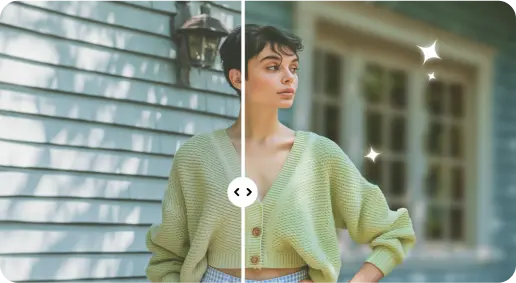
2 Gör bakgrunden suddig med AI-drivna effekter
3 Spara den nya bilden
Kant-Perfekt Verktyg för bakgrundsoskärpa
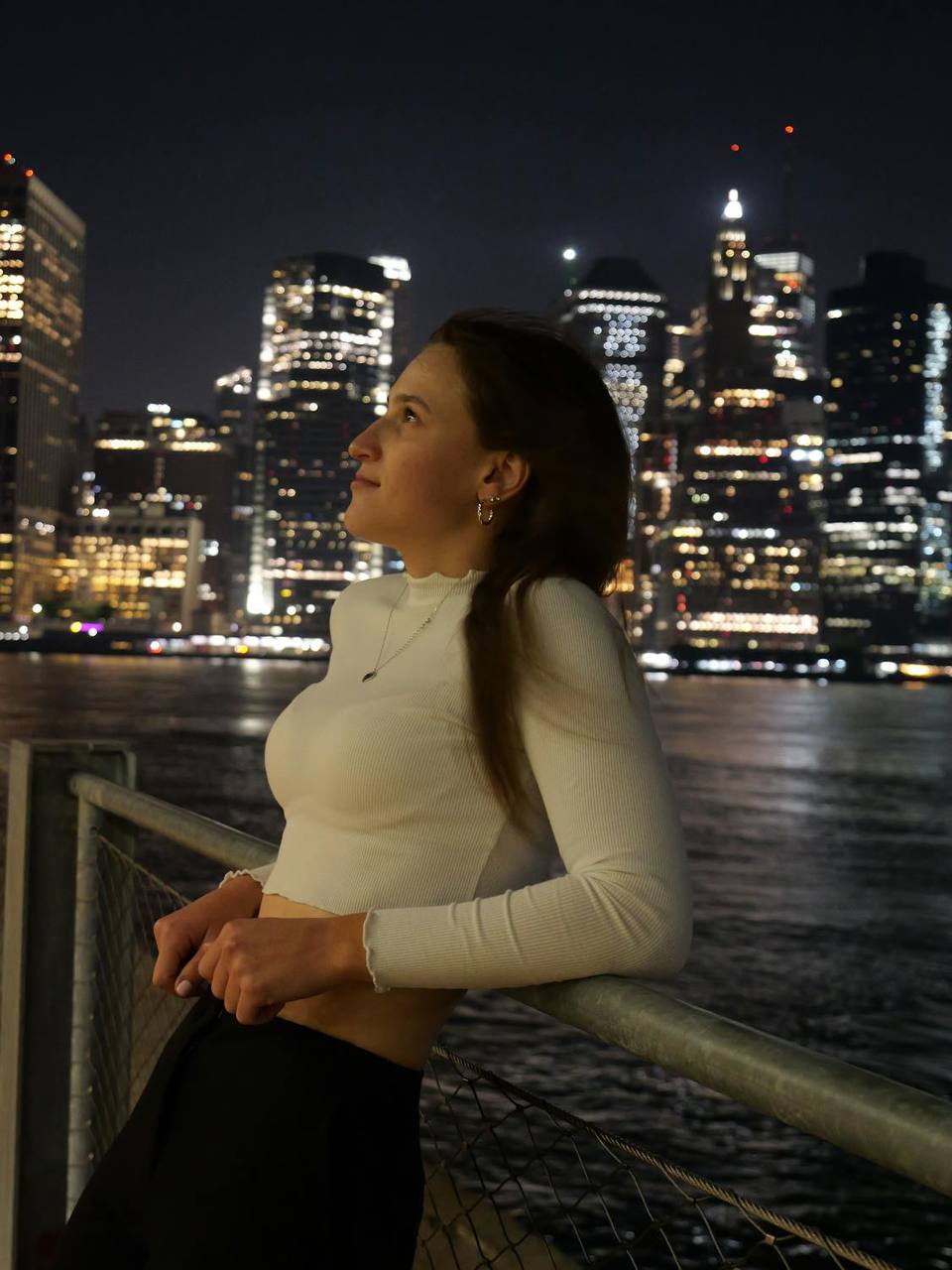
Lägg till djup i porträttfoton
Utnyttja bakgrundsoskärpa för att ge djup åt porträtt, bevara ansiktsdetaljer och förstärka personens närvaro inom ett effektivt arbetsflöde.
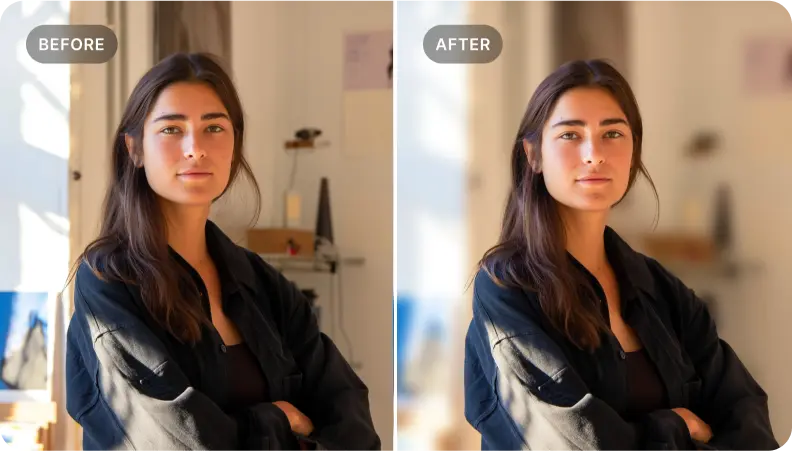
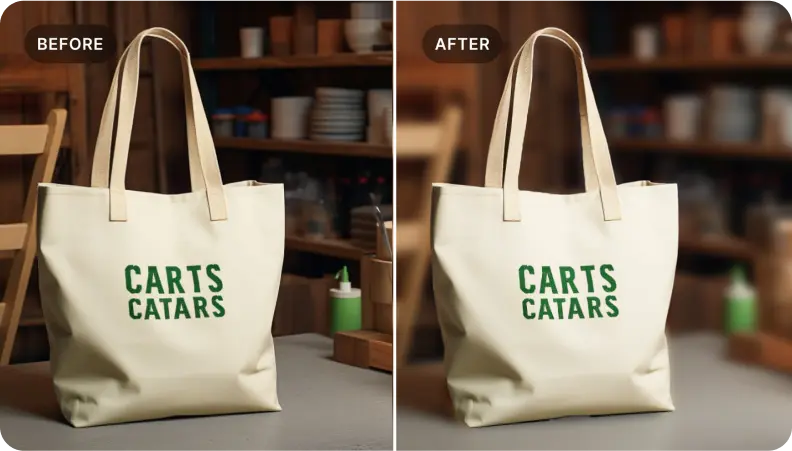
Lyft fram produkter i e-handelsfoton.
På samma sätt som porträtt, oskärpa bakgrunden för att framhäva produkter. Framhäv viktiga detaljer samtidigt som du levererar visuellt övertygande bilder optimerade för snabbare laddning och högre konverteringar, väl lämpade för Smart PDF Optimization.
Isolera specifika element i scenen
Perfekt för att isolera fokuselementen; sudda omgivningen för att skapa slående visuella bilder som berättar en historia och passar för optimerade PDF-arbetsflöden.

Free to Try
AIPhotor is free to try for 3 days, after which you can subscribe to one of our incredible value plans.

Free to Try
We automatically sharpen and transform your images with AI to create multiple final looks. But you can also adjust and add a prompt to customize the results. Choose what works best for you!

Quick & Easy
Screen, edit, resize and download your photos lightning fast.

Compatible with all devices
AIPhotor is available on the iOS and Android stores. Our app works seamlessly across mobile, desktop, and tablet devices.
Frequently Asked Questions
-
What is AIPhotor Photo Editor?

 AIPhotor is a visual online photo editing website that leverages AI technology to help automatically remove objects/people from images; retouch, enhance, colorize, correct, cartoonize, and animate photos in a snap, replacing other photo editing tools Photoshop, Pixlr editor, or Photopea.
Or just drag & drop image here, upto 50 images at once
Or just drag & drop image here, upto 50 images at once
Frequently Asked Questions
-
What is AIPhotor Photo Editor?
AIPhotor is a visual online photo editing website that leverages AI technology to help automatically remove objects/people from images; retouch, enhance, colorize, correct, cartoonize, and animate photos in a snap, replacing other photo editing tools Photoshop, Pixlr editor, or Photopea.