
{{ getFeatureName(action_mode) }} your image

Drop your image here.
Our popular AI tools
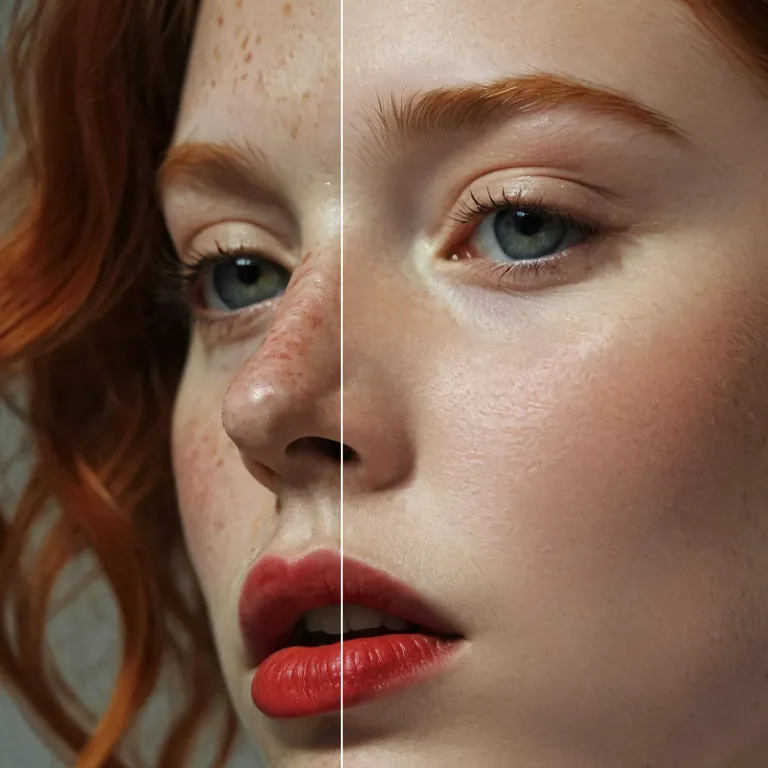
Enhance Photo
Automatically enhance the blurry photo's resolution and increase the overall quality.
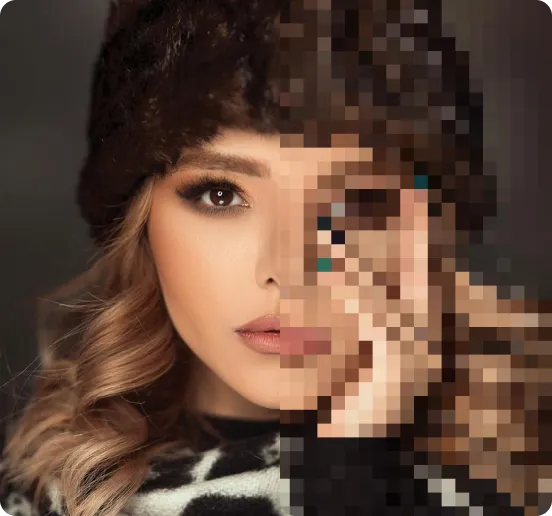
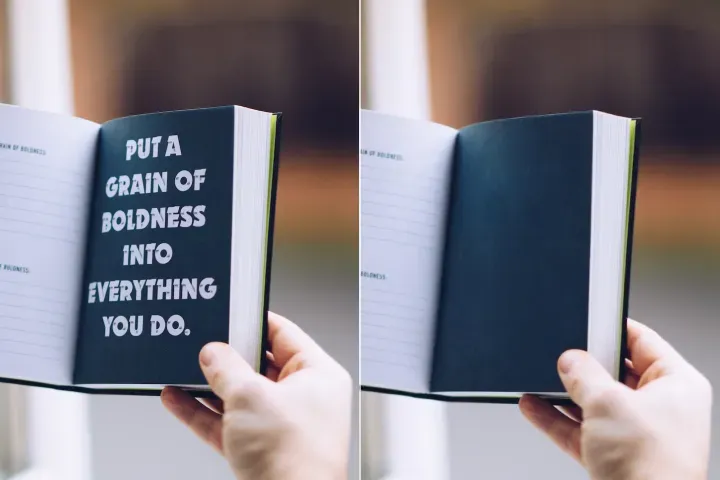
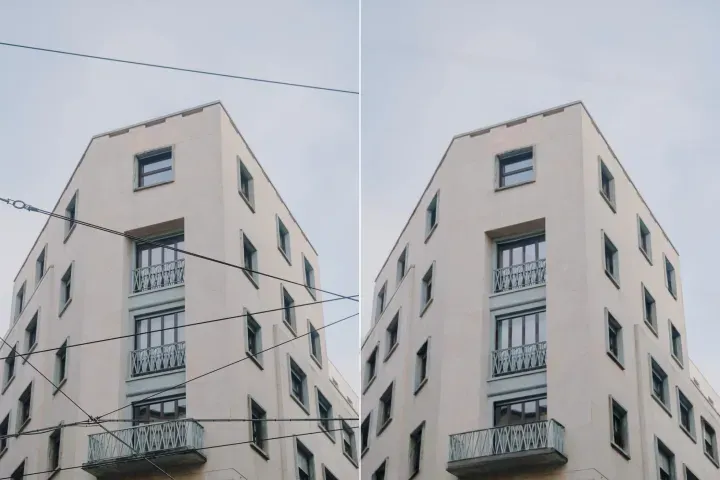
Remove Objects
AIPhotor's One-Touch AI simply detects and removes unwanted details in your picture.
Remove Background
Seamlessly remove background from photos. Edit background with 100+ well-designed templates.
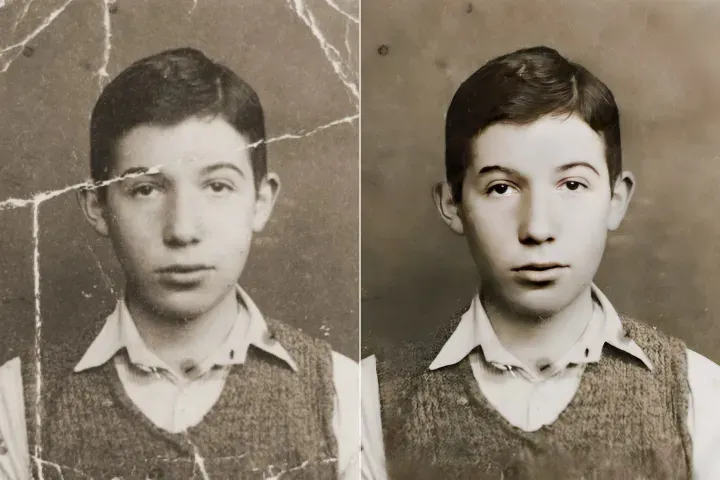
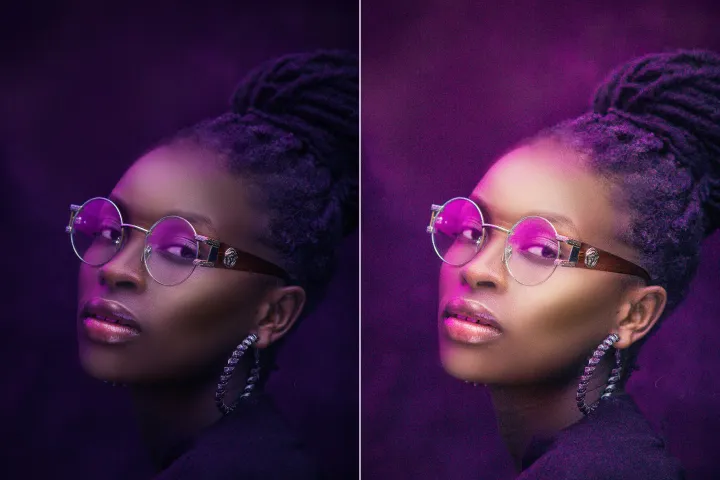
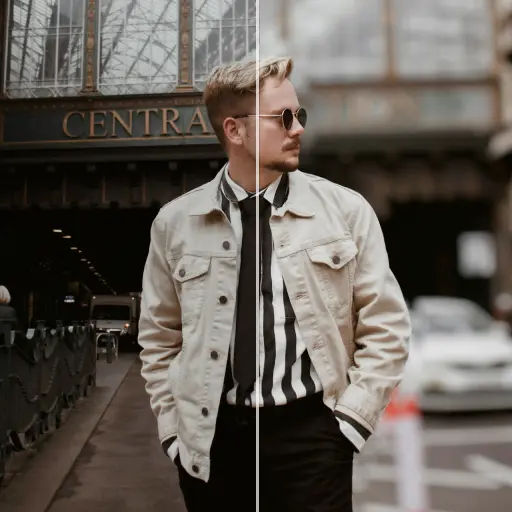
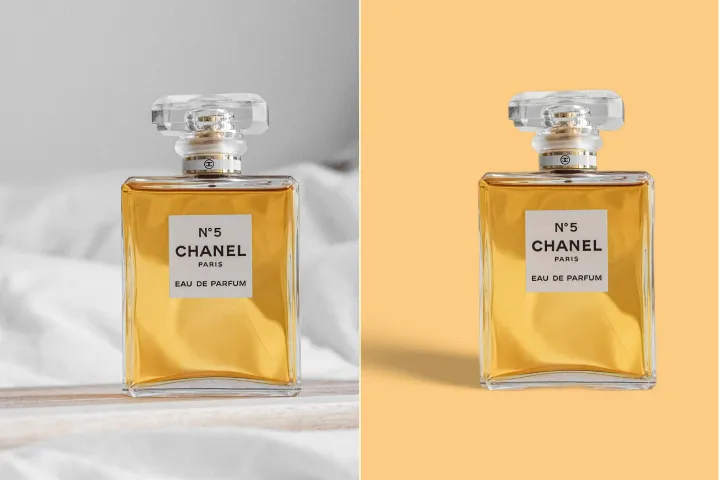

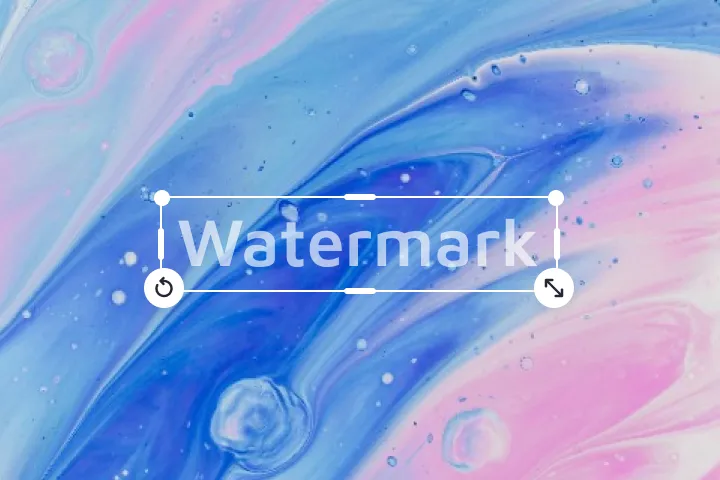

Verbeter online de kwaliteit van foto's
met AI
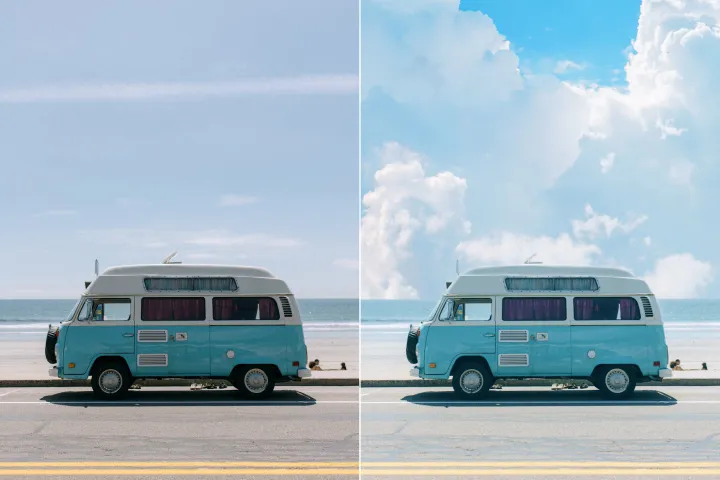
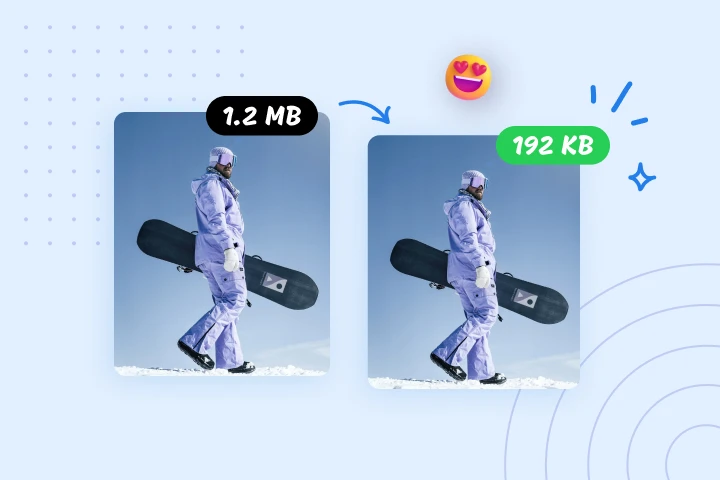
Verrijk moeiteloos je foto's met PdfMize’s geavanceerde AI-fotoverbeteraar, op maat gemaakt voor Smart PDF-optimalisatie om hoogwaardige visuals te leveren met efficiënte bestandsgroottes.
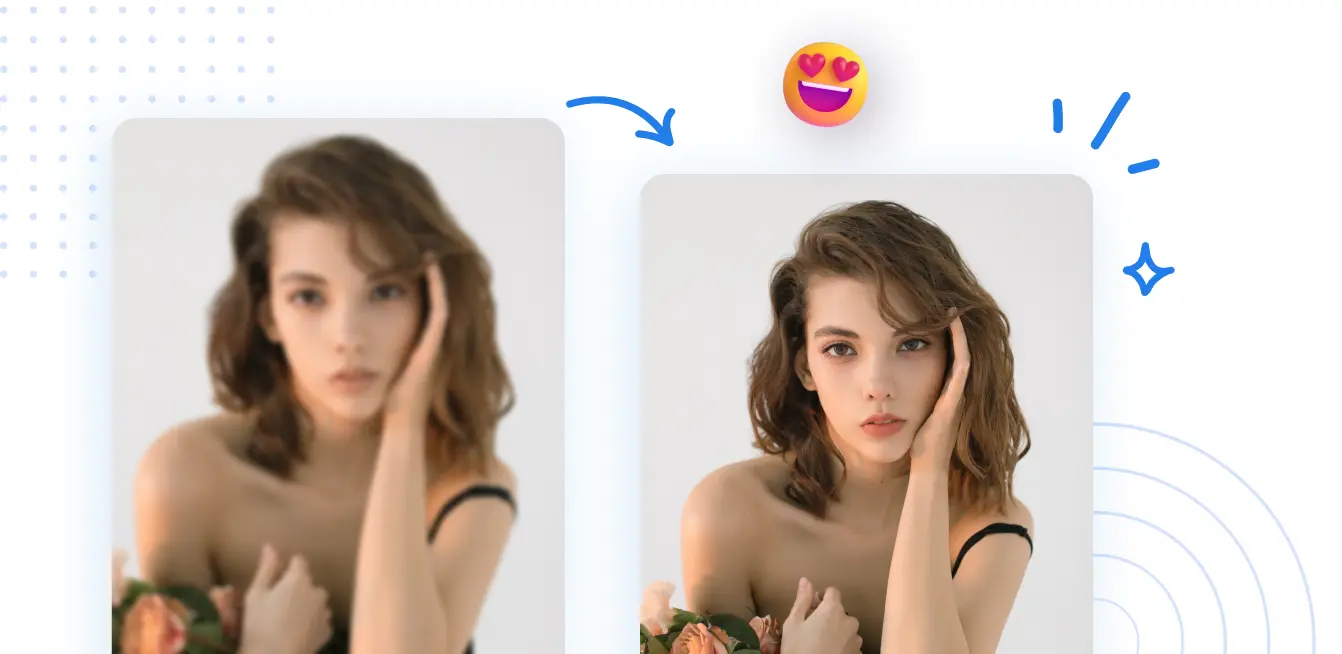

Hoe de Smart PDF-optimalisatie Beeldverbeteraar te gebruiken
Maak gebruik van Smart PDF-optimisatie om de beeldkwaliteit op alle apparaten te verbeteren in 3 gestroomlijnde stappen met PdfMize:
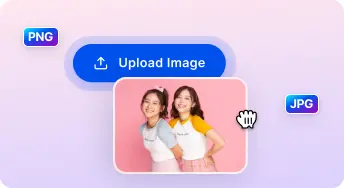
1 Een afbeelding uploaden
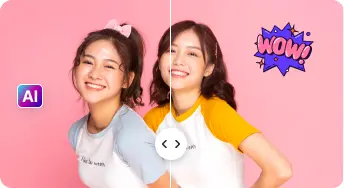
2 Vergelijken en aanpassen:
3 Downloaden en delen:
De alles-in-één AI Foto-Verbeteringskits
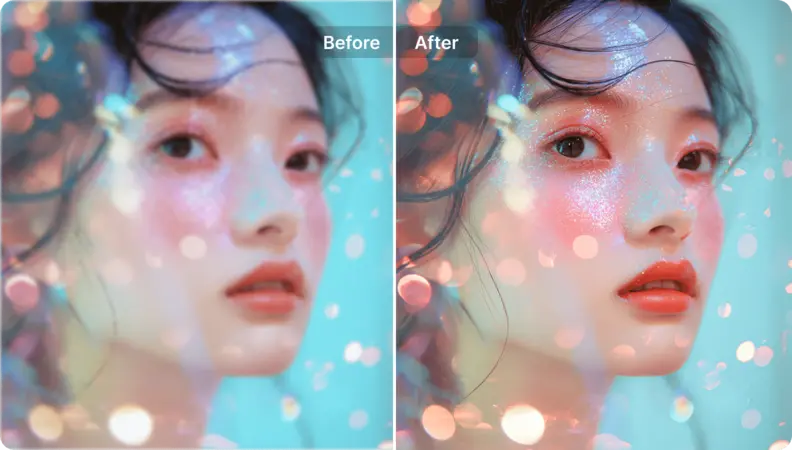
Portretten en selfies verbeteren
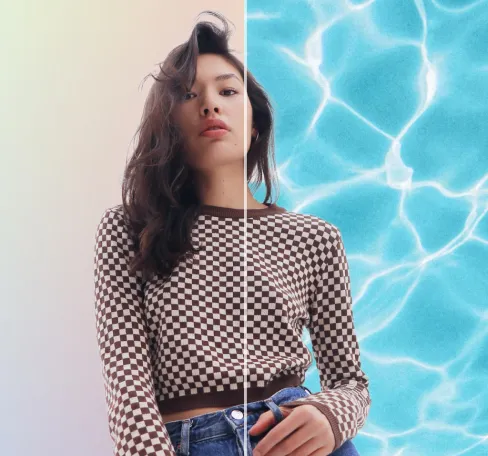
Gezichtskenmerken op natuurlijke wijze verbeteren om realisme te behouden terwijl de onderwerpen opvallen, in lijn met de doelstellingen van Smart PDF-optimisatie.
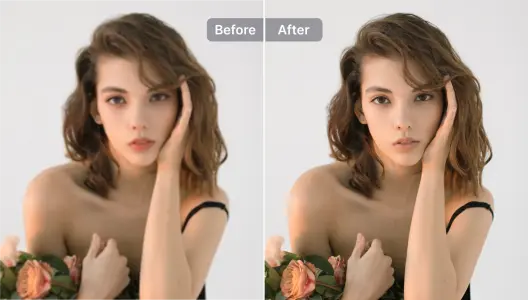
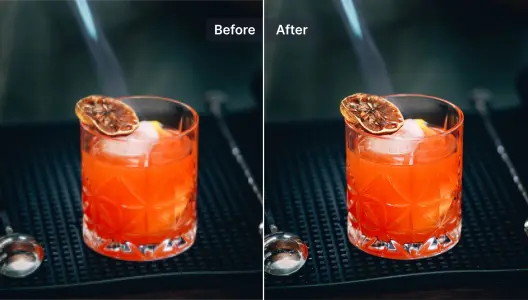
Productfoto's verbeteren
Verhoog de scherpte van productafbeeldingen onmiddellijk om de aantrekkingskracht te vergroten; combineer met achtergrondverwijdering voor professionele resultaten in Smart PDF-optimisatie.
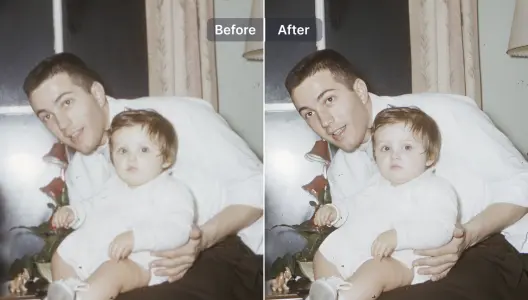
Onscherpe foto's verbeteren en herstellen
Details efficiënt herstellen in onscherpe afbeeldingen met AI-gestuurde restauratie, geschikt voor Smart PDF-optimisatie-contexten.
Illustraties en grafische ontwerpen verbeteren
Verhoog en verrijk illustraties, grafische elementen en ontwerpen met AI, terwijl u de artistieke integriteit behoudt in Slimme PDF-optimalisatie-workflows.
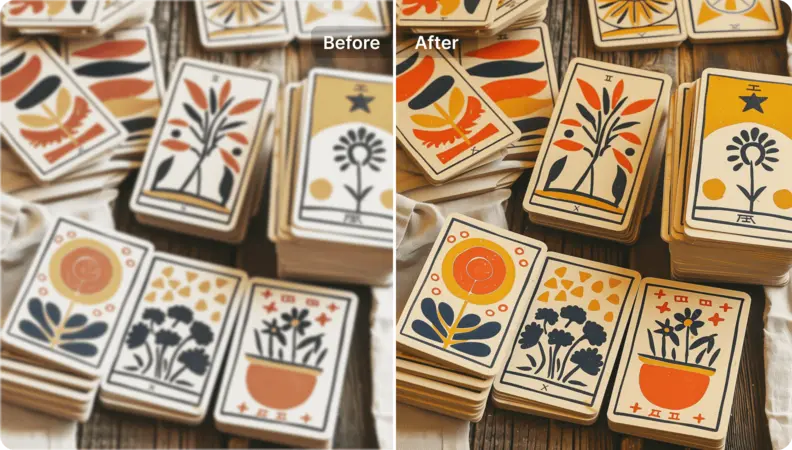
Kunstafbeeldingen opschalen
Zet anime, manga, cartoons, tekeningen of door AI gegenereerde kunst om naar afbeeldingen met hoge resolutie die klaar zijn voor weergave en geschikt voor Slimme PDF-optimalisatie.
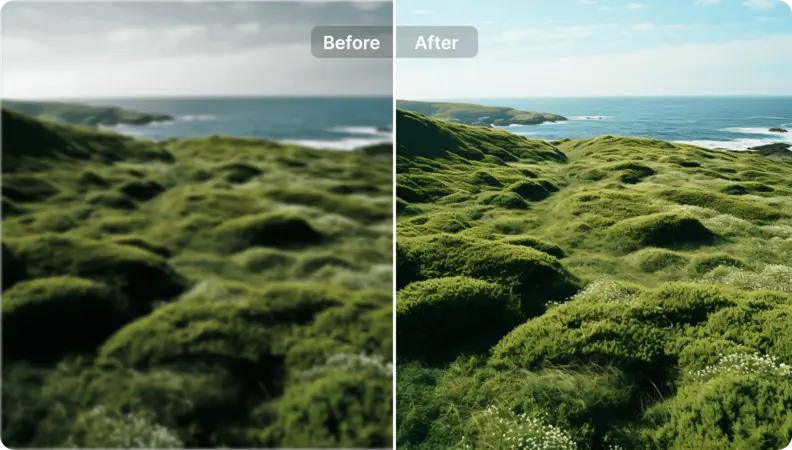
Breng nieuw leven in landschapsfoto's
Pas de principes van Smart PDF-optimalisatie toe op landschapsbeelden door de visuele kwaliteit en balans te verbeteren. Maak gebruik van AI-gedreven prompts om de optimalisatie te sturen, wat resulteert in verbluffende resultaten met efficiëntie en behoud van de integriteit van het document.

Free to Try
AIPhotor is free to try for 3 days, after which you can subscribe to one of our incredible value plans.

Free to Try
We automatically sharpen and transform your images with AI to create multiple final looks. But you can also adjust and add a prompt to customize the results. Choose what works best for you!

Quick & Easy
Screen, edit, resize and download your photos lightning fast.

Compatible with all devices
AIPhotor is available on the iOS and Android stores. Our app works seamlessly across mobile, desktop, and tablet devices.
Frequently Asked Questions
-
What is AIPhotor Photo Editor?

 AIPhotor is a visual online photo editing website that leverages AI technology to help automatically remove objects/people from images; retouch, enhance, colorize, correct, cartoonize, and animate photos in a snap, replacing other photo editing tools Photoshop, Pixlr editor, or Photopea.
Or just drag & drop image here, upto 50 images at once
Or just drag & drop image here, upto 50 images at once
Frequently Asked Questions
-
What is AIPhotor Photo Editor?
AIPhotor is a visual online photo editing website that leverages AI technology to help automatically remove objects/people from images; retouch, enhance, colorize, correct, cartoonize, and animate photos in a snap, replacing other photo editing tools Photoshop, Pixlr editor, or Photopea.