
{{ getFeatureName(action_mode) }} your image

Drop your image here.
Our popular AI tools
Enhance Photo
Automatically enhance the blurry photo's resolution and increase the overall quality.
Remove Objects
AIPhotor's One-Touch AI simply detects and removes unwanted details in your picture.
Remove Background
Seamlessly remove background from photos. Edit background with 100+ well-designed templates.
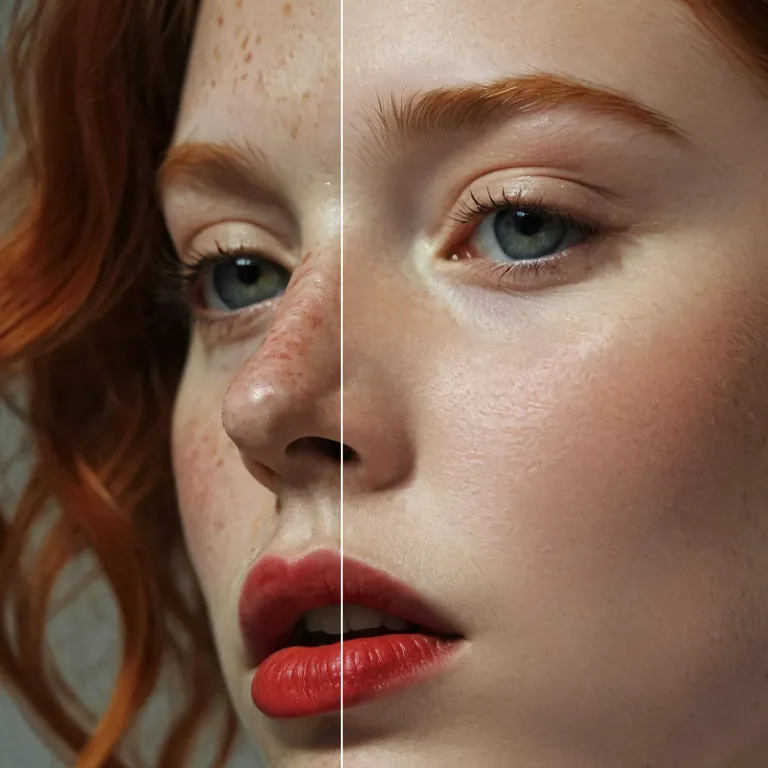
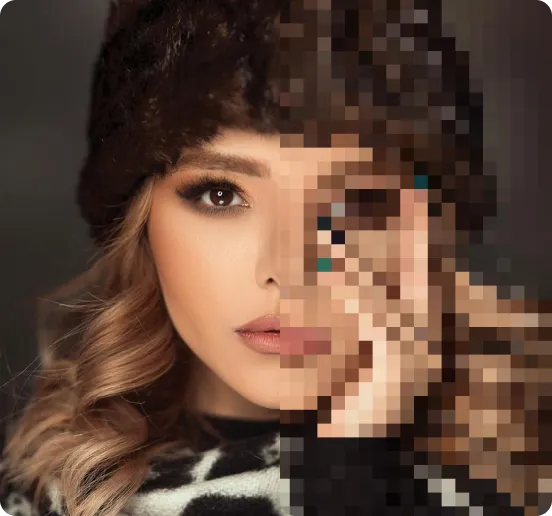
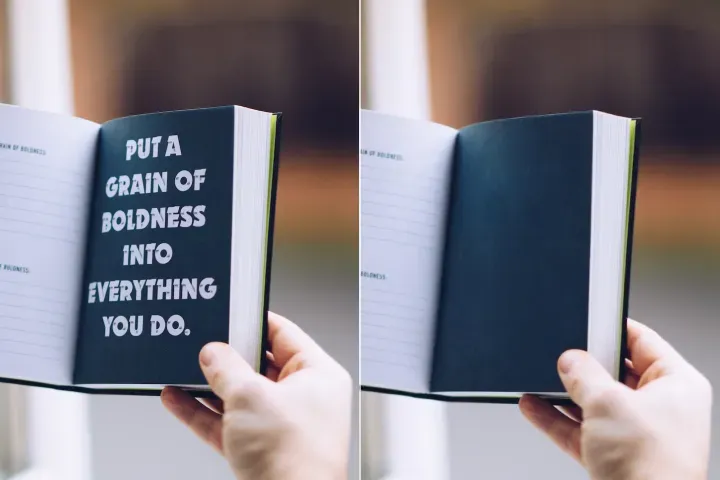
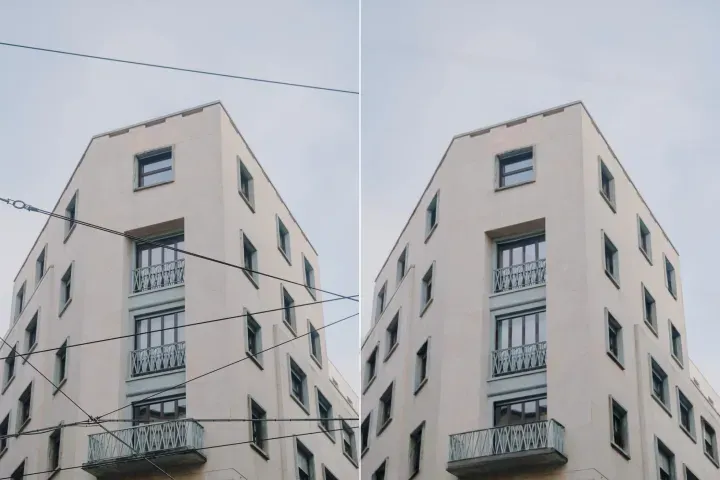
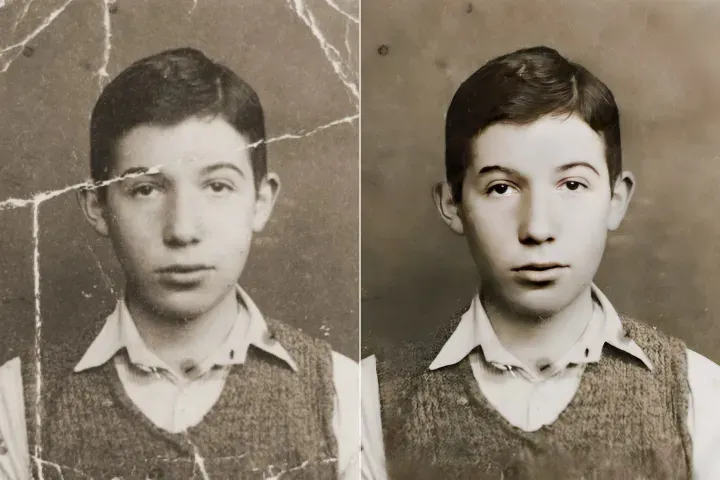
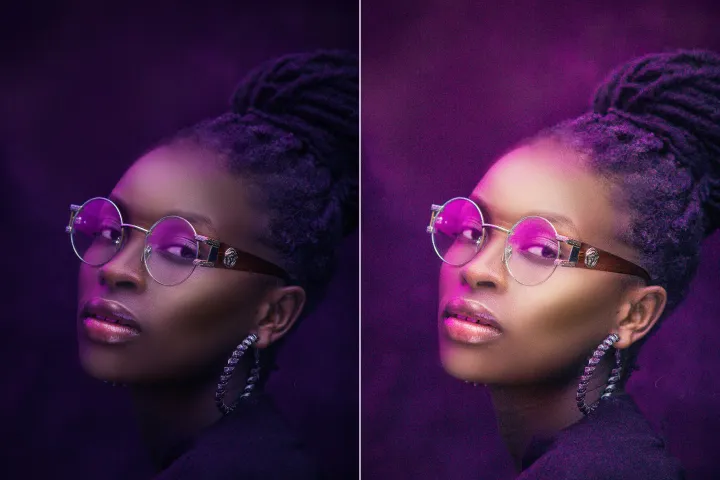
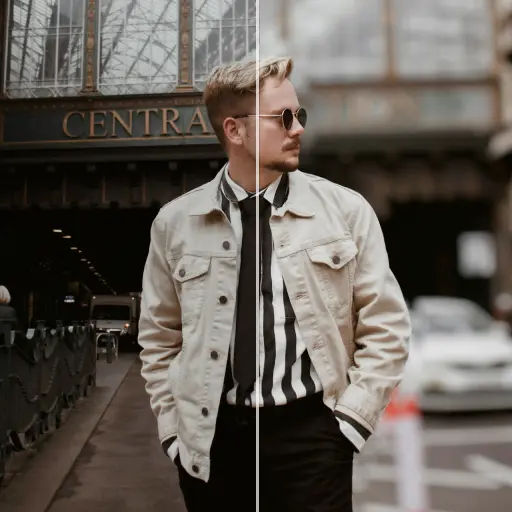
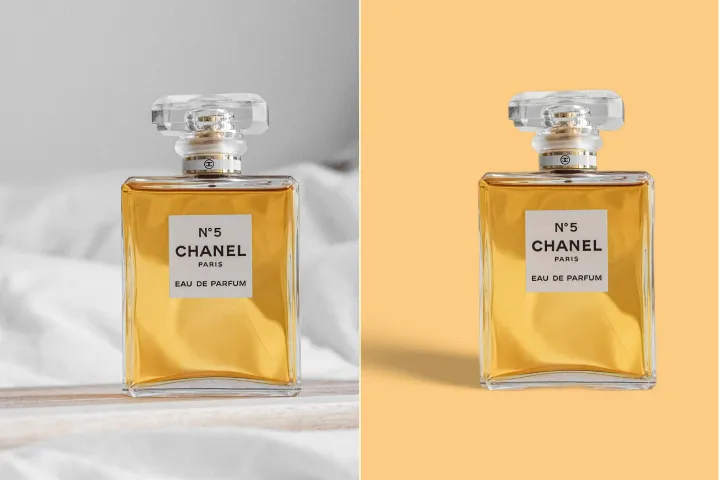


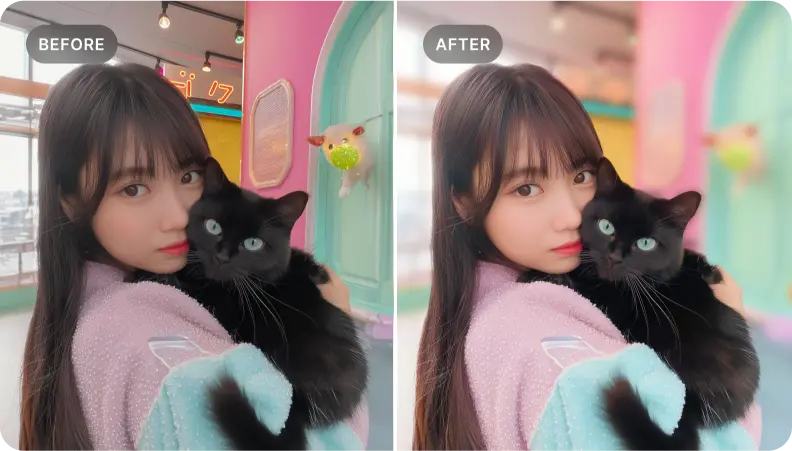
Mengaburkan latar belakang foto secara gratis
Mudah menciptakan kedalaman yang menonjol dengan alat blur latar belakang AIPhotor, disetel untuk kinerja dan kualitas dalam alur kerja Smart PDF Optimization. Gratis dan cepat.
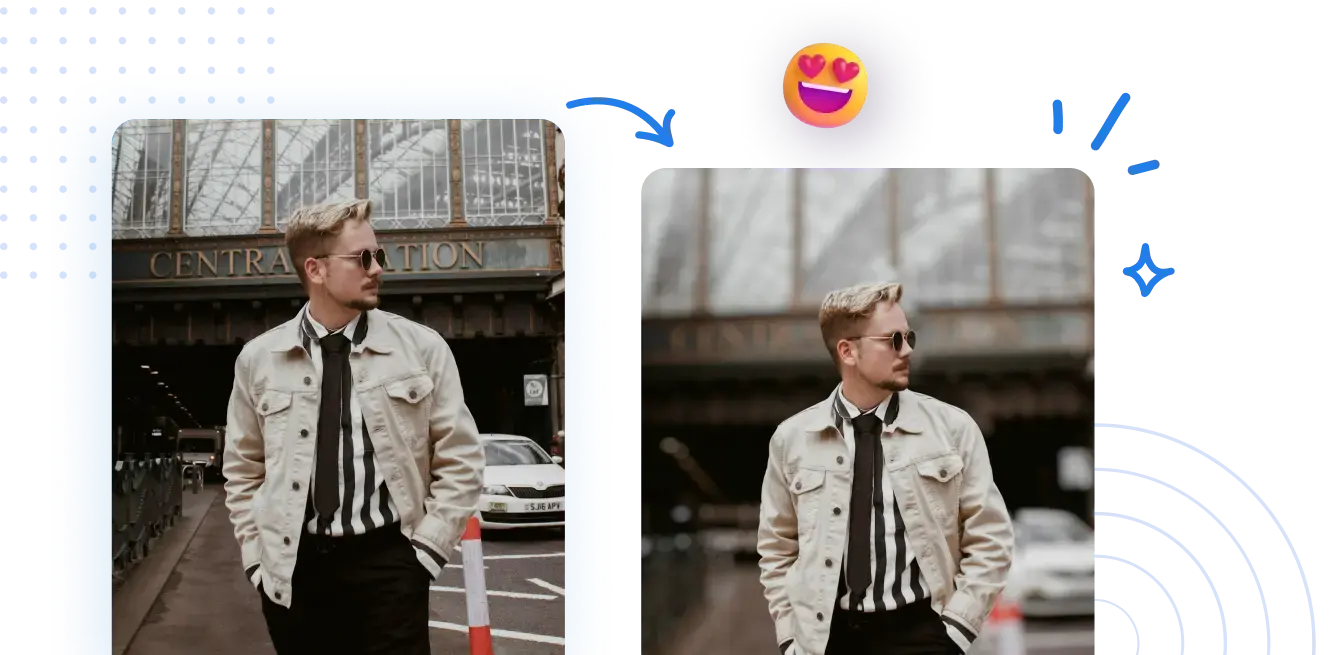
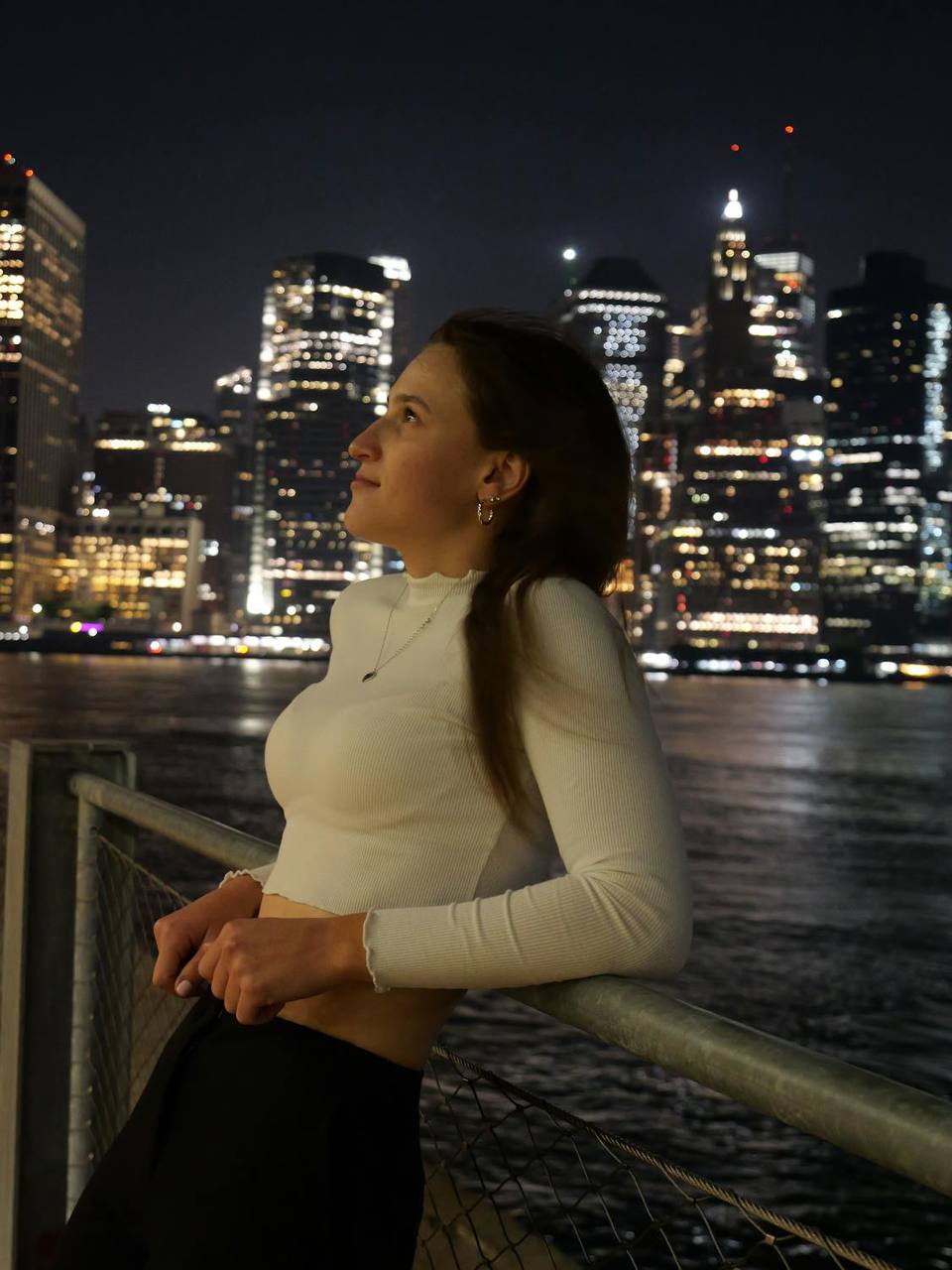



Pelajari cara menerapkan blur latar belakang secara online dengan Smart PDF Optimization—efisien dan efektif
Tidak diperlukan pengaturan yang kompleks. Dapatkan latar belakang blur yang terlihat profesional dengan beberapa klik, sejalan dengan praktik Smart PDF Optimization yang mempertahankan kualitas gambar sambil memungkinkan pemrosesan aset yang efisien.
1 Unggah sebuah foto
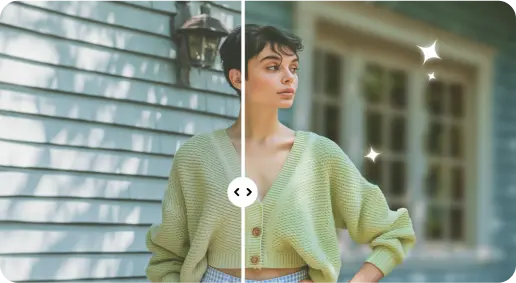
2 Mengaburkan latar belakang dengan efek berbasis AI
3 Simpan foto baru
Tepi-Sempurna Alat Blur Latar Belakang
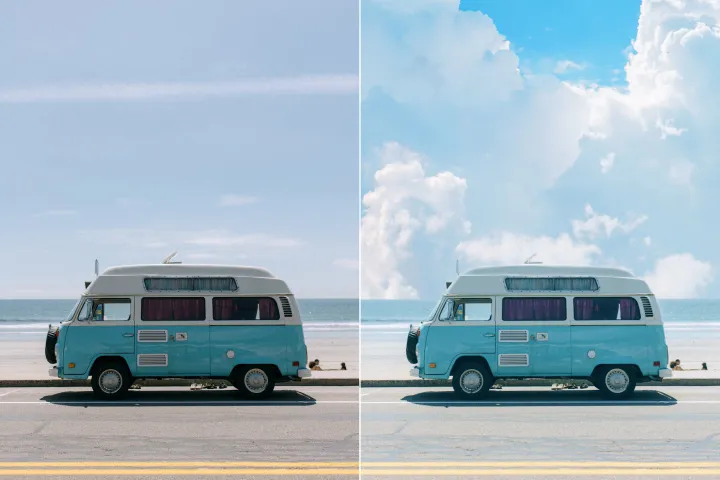
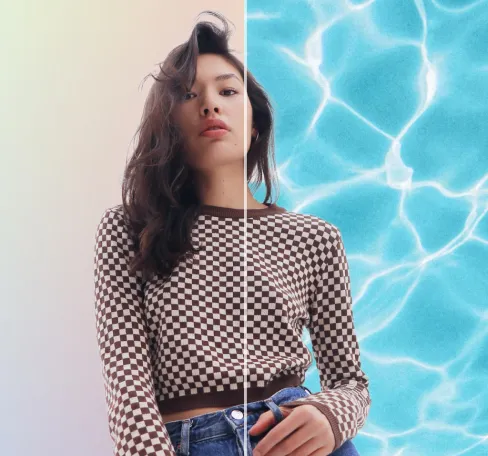
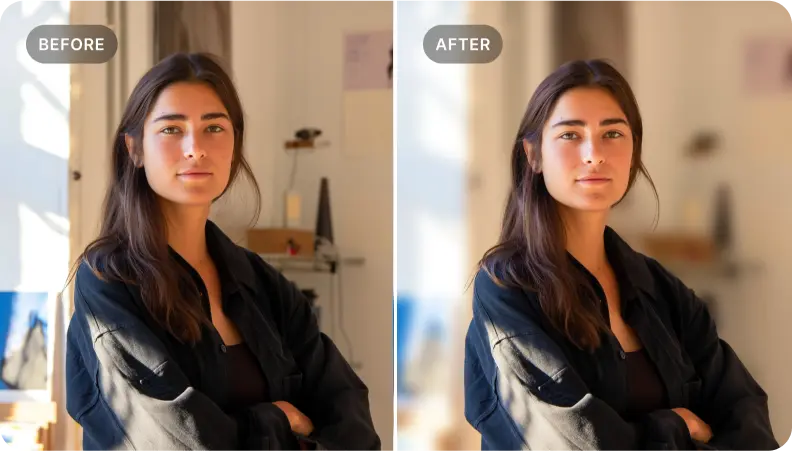
Tambahkan kedalaman pada foto potret
Manfaatkan blur latar belakang untuk menambah kedalaman pada potret, mempertahankan detail wajah dan memperkuat kehadiran subjek dalam alur kerja yang berorientasi efisiensi.
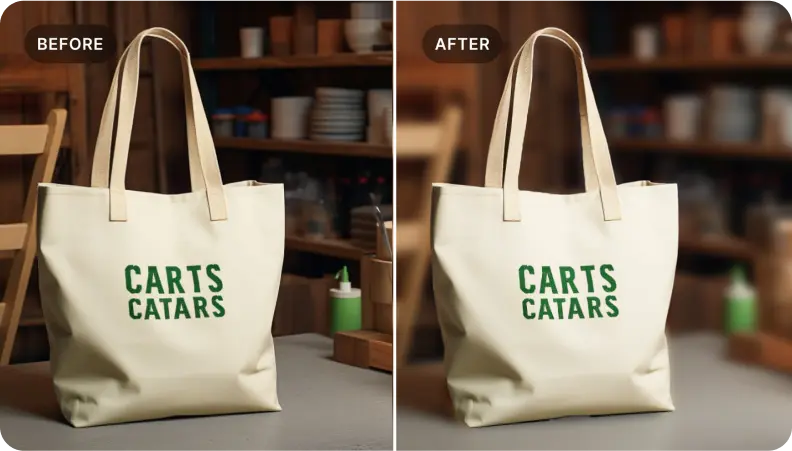
Sorot produk dalam foto e-commerce
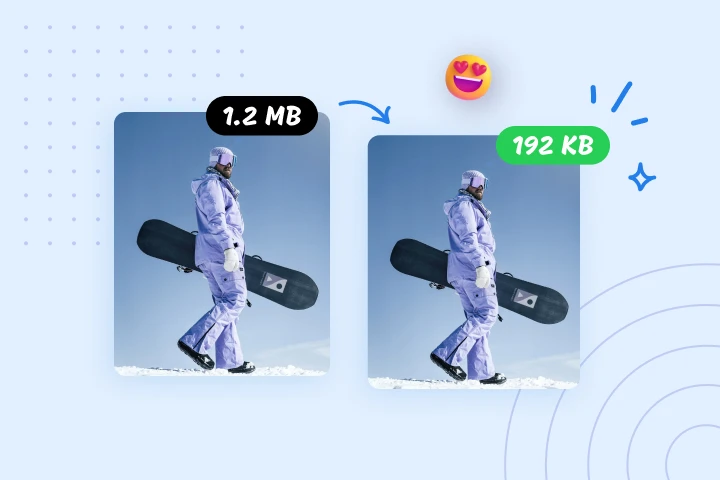
Serupa dengan potret, blur latar belakang untuk menonjolkan produk. Tekankan detail penting sambil menyajikan gambar yang secara visual menarik yang dioptimalkan untuk pemuatan lebih cepat dan konversi lebih tinggi, sangat cocok untuk Smart PDF Optimization.
Isolasi elemen spesifik dalam adegan
Ideal untuk mengisolasi elemen fokus; blur latar sekitar untuk menciptakan visual yang mencolok yang menceritakan sebuah cerita dan sesuai dengan alur kerja PDF yang dioptimalkan.

Free to Try
AIPhotor is free to try for 3 days, after which you can subscribe to one of our incredible value plans.

Free to Try
We automatically sharpen and transform your images with AI to create multiple final looks. But you can also adjust and add a prompt to customize the results. Choose what works best for you!

Quick & Easy
Screen, edit, resize and download your photos lightning fast.

Compatible with all devices
AIPhotor is available on the iOS and Android stores. Our app works seamlessly across mobile, desktop, and tablet devices.
Frequently Asked Questions
-
What is AIPhotor Photo Editor?

 AIPhotor is a visual online photo editing website that leverages AI technology to help automatically remove objects/people from images; retouch, enhance, colorize, correct, cartoonize, and animate photos in a snap, replacing other photo editing tools Photoshop, Pixlr editor, or Photopea.
Or just drag & drop image here, upto 50 images at once
Or just drag & drop image here, upto 50 images at once
Frequently Asked Questions
-
What is AIPhotor Photo Editor?
AIPhotor is a visual online photo editing website that leverages AI technology to help automatically remove objects/people from images; retouch, enhance, colorize, correct, cartoonize, and animate photos in a snap, replacing other photo editing tools Photoshop, Pixlr editor, or Photopea.